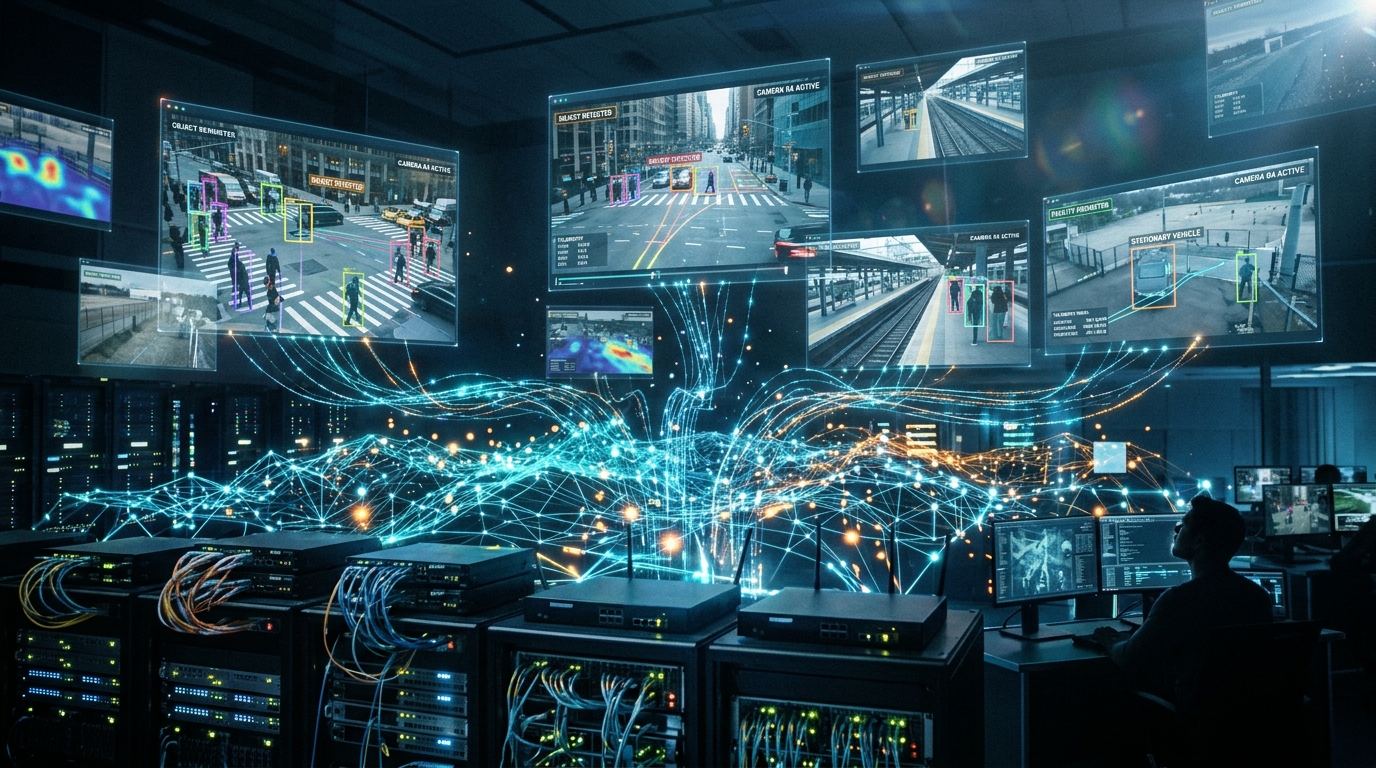
AI surveillance cameras are no longer just IP cameras with extra software. On-device analytics, higher resolutions, infrared illumination or heating elements, and in many cases pan-tilt-zoom (PTZ) mechanics can change what the network underneath must do. The switch these cameras plug into is not just a cable concentrator. It supplies power, shapes traffic, isolates devices from each other, and is often the only practical way to recover an unresponsive camera without sending someone to the site.
This piece covers five practical benefits a managed Power over Ethernet (PoE) switch brings to an AI camera deployment: cabling simplicity, power intelligence, traffic control, security, and remote operations. It is meant as planning guidance for integrators and IT or security teams designing a camera network, not a product review.
How AI Surveillance Cameras Place New Demands on the Network
Power requirements have increased as AI surveillance cameras have become more capable. Analytics processors, IR arrays, heaters and blowers, and PTZ motors raise both average and peak draw compared to older 802.3af cameras. Many AI surveillance cameras still fit within PoE+ limits (802.3at, roughly 30 watts), but some PTZ, multi-sensor, or heavily loaded units need PoE++ headroom to run reliably.
Bandwidth is also less predictable, since a 4K stream carrying video plus metadata, with occasional bursts from analytics events or clip uploads, behaves differently than the constant bitrate streams of older analog-era systems. Availability matters more, too: a frozen camera is a silent failure, and edge AI processing does not help if the device itself is wedged and nobody can power-cycle it remotely. The physical reality has not changed, though. Cameras sit on ceilings, poles, and perimeters where AC outlets are expensive to install or simply not allowed.
Benefit 1: Simplify AI Surveillance Installation with One Cable
IEEE 802.3af, 802.3at, and 802.3bt deliver power and data over the same twisted-pair cable, typically up to 100 meters, with some switches offering an extended-reach mode at reduced speed for longer runs. That single cable eliminates the need for a local outlet, extra conduit, and licensed electrical work at every camera location, for a cleaner install whether that means retrofitting an existing building, mounting cameras on outdoor poles, or running cable through a drop ceiling.
It is worth noting the tradeoff too. You still need to plan the switch’s total PoE budget and the cable quality (Cat5e vs. Cat6). Remember that one cable does not mean an unlimited number of cameras on a single switch.
Benefit 2: Manage Camera Power More Intelligently
This is where a managed PoE switch differs most from an unmanaged injector. But first, a few functions are worth understanding in plain terms.
- PoE power budgeting and monitoring: Budget and classification mean the switch indicates power per port, so one hungry PTZ camera doesn’t brown out a row of fixed cameras sharing the same power budget.
- PD alive check: Sometimes called a watchdog, the switch periodically checks whether a connected camera is still responding, and can power-cycle the port automatically if it stops answering, without having to send out a technician to investigate.
- Scheduled power recycling: Allows administrators to run a weekly or nightly reboot window that clears memory leaks common in long-running camera firmware.
- PoE scheduling: Can disable or limit ports outside business hours, saving energy and reducing the attack surface when cameras aren’t needed.
- PoE Usage monitoring: Provides per-port wattage readings, so an operator can spot a heater stuck in the on position or a unit drawing abnormal power before it fails outright.
These functions matter specifically for AI surveillance cameras because analytics processes can crash, heaters and IR arrays cycle under load, and remote sites often have no one available to physically reset a device.
Benefit 3: Keep Video and Analytics Traffic Moving
Cameras create their own traffic challenges, and a managed PoE switch has tools to handle them.
- VLANs put cameras on a segment separate from corporate PCs and guest Wi-Fi.
- Quality of service (QoS) marks and queues video and controls traffic so a backup job elsewhere on the network does not cause a live view or NVR recording to stutter.
- IGMP snooping handles multicast traffic cleanly when a video management system relies on it.
- Storm control or rate limiting contains a misbehaving or compromised camera before it affects the rest of the network.
Uplink planning matters too: a gigabit port is usually enough for a single camera, but the real bottleneck is often the uplink back to the NVR or network core, which is where SFP or SFP+ fiber slots come in.
Benefit 4: Treat Every Camera as a Network Endpoint
Modern AI surveillance cameras are network-connected computing devices, which means they should be managed as part of the organization’s broader cybersecurity strategy. Cameras are computers on the network, and default passwords and outdated firmware are common industry problems.
Managed PoE switches offer several tools to reduce that risk: 802.1X or MAC-based access control, access control lists, DHCP snooping, IP source guard, and hardened management access through HTTPS, SSH, or SNMPv3 rather than older insecure protocols, along with port security and shutting down unused ports.
The switch is only one layer here, though. Camera firmware and the video management system still need to stay current and be patched as needed.
Benefit 5: Improve Visibility and Remote Recovery
A managed network gives administrators visibility that a basic connection cannot provide.
A central web, SNMP, or cloud-based view of link state, PoE draw, and error counts helps an operator spot a problem before a camera goes offline.
Fiber SFP uplinks extend distance to an IDF, NVR room, or campus core without running copper the whole way. Some managed switches offer redundancy options, such as ring protocols, for camera loops that cannot tolerate a single cable cut.
Scaling a deployment then becomes a matter of adding cameras in groups, as long as you sized the PoE budget and uplink capacity with headroom from the start.
What to Specify for an AI Surveillance PoE Switch
A short checklist for anyone specifying a switch for an AI camera project:
- Port count against camera count with spare ports for future growth
- PoE standard (802.3at versus 802.3bt) and total power budget after temperature derating
- Essential features such as PD Alive Check, PoE scheduling, power recycling, and power monitoring capabilities
- Layer-2 essentials including VLANs, QoS, IGMP, and ACLs
- The management path the team will use, whether web interface, SNMP, or an on-premises or cloud NMS
- Uplink capabilities such as type, bandwidth, and speed
- Environmental rating if the switch will be mounted outdoors or in an industrial setting
For a mid-size indoor or outdoor AI camera group that fits within 802.3at power levels, a common pattern is a 24-port managed PoE+ switch with the intelligent power features above, VLAN and QoS support, and dual SFP uplinks.
A Managed PoE Option for AI Surveillance Networks
One switch built around those requirements is the PLANET GS-4210-24P2S, which offers 24 Gigabit 802.3at PoE+ ports with roughly 370 watts of total power budget depending on revision, PD alive check, PoE scheduling, recycling and monitoring, and 1G/2.5G SFP uplinks. Readers working with PTZ, heater-equipped, or high-draw AI units above 30 watts per port should look at 802.3bt models instead.
While camera selection tends to get most of the attention in a surveillance project, it’s the access switch underneath that determines whether those cameras stay powered, isolated, and reachable when something goes wrong. Planning your power budget, VLAN structure, and remote reset behavior before the first camera goes up saves a lot of trouble later. A managed PoE switch will not replace good camera firmware or a competent video management system, but it removes a large class of avoidable outages and installer callbacks before they happen.