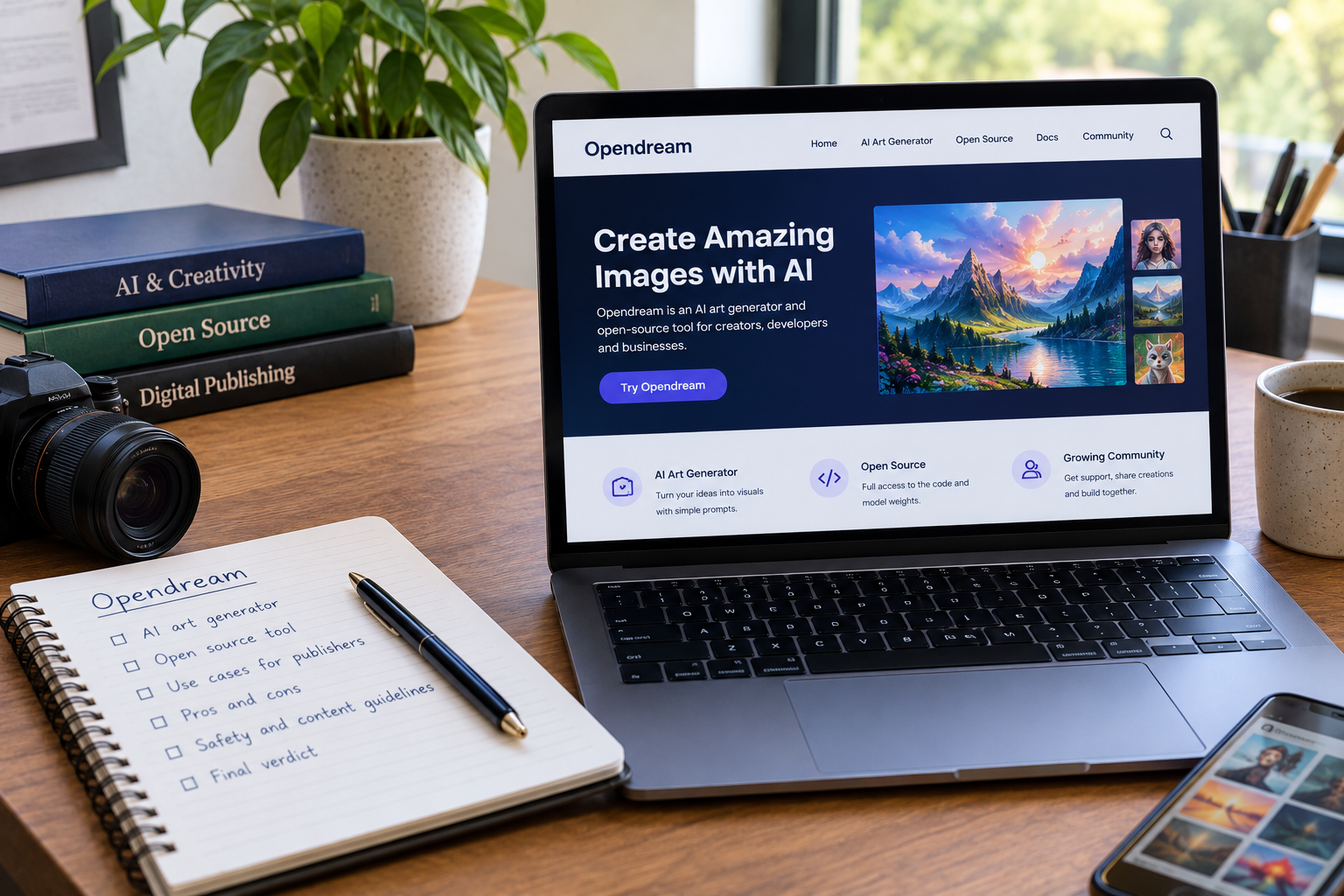
Search for “opendream” and you get two different products mixed into one results page. One is a hosted AI image generator with credit plans. The other is a free, MIT-licensed web interface for Stable Diffusion that you run yourself.
That split causes real mistakes. People read a pricing page for one tool and then try to install the other. This guide separates them, compares what each one offers, and lists the checks a publisher should run before putting generated images on a live site.
QUICK ANSWER
Opendream is two different products. Opendream.ai is a browser-based AI image generator with a free tier, paid credit plans, and four models, including Dreamlike Photoreal 2.0 and Dreamlike Anime 1.0. The other Opendream is a free, MIT-licensed open-source web UI by Varun Shenoy that adds layers and non-destructive editing to Stable Diffusion workflows; one software directory lists it as discontinued, with a last update in August 2023. For publishers, the hosted tool is faster to start, and the open-source version gives more control but needs setup. Third-party listings disagree on free credits and plan prices (roughly $9.90 to $24 a month), so confirm terms on the official plans page before publishing any image commercially.
KEY TAKEAWAYS
- Two products: Opendream.ai (hosted, credit-based) and the GitHub project (self-hosted, layer-based) share a name and nothing else. Check the address before you read a review.
- Pricing mismatch: Directories report free allowances of 20 to 24 daily credits and paid plans from $9.90 to $24 a month. Treat every number as unconfirmed until the official page shows it.
- Publisher checks: Read the current terms for commercial use, compress every image before upload, and disclose AI-generated visuals where context calls for it.
Two Tools Share One Name
The hosted product lives at opendream.ai. It is an online generator where you type a prompt, pick a model, and get an image back in seconds. Directory listings describe sign-in through Google or Discord and a free tier that needs no credit card.
The open-source project lives on GitHub under Varun Shenoy’s account. It describes itself as a web UI that brings layering, non-destructive editing, portability, and easy-to-write extensions to Stable Diffusion workflows. A Opendream open-source GitHub project page shows the install script, the extension system, and the layer model.
Other sites make the confusion worse. Some directory pages describe “OpenDream” as an open-source Stable Diffusion implementation that you install with a single package command, which matches neither product cleanly. When a page claims one thing, check it against the GitHub repository or the official site.
My rule for this keyword is simple. If the page talks about credits, plans, and templates, it is about the hosted generator. If it talks about layers, JSON state files, and Python extensions, it is about the open-source project.
What the Hosted Generator Offers
Opendream.ai targets people who want images without managing models or GPUs. Reported features include a gallery of templates for logos, icons, anime characters, 3D scenes, and architecture, plus a prompt box with advanced settings.
A product page on the platform lists four built-in models: Dreamlike Photoreal 2.0, Dreamlike Anime 1.0, Stable Diffusion 2.1, and Deliberate. It also describes seed control, which lets you keep the same random starting point while you change the prompt. That feature matters for consistency, since it lets you adjust one detail without losing the composition you liked.
Directory descriptions add a few operational details. One lists generation on A100 GPUs, up to three concurrent generations, and a queue of up to 20 images. Another says a single image costs two credits and a batch of four costs eight.
The free plan reportedly limits you to two models. That affects testing: if you plan to use Stable Diffusion 2.1 or Deliberate for your site’s style, confirm which plan includes them.
Pricing: The Listings Disagree
This is where a publisher can get burned. I compared several third-party listings, and they report different plan names, prices, and credit amounts for the same product.
| Listing Source | Free Allowance Reported | Paid Plans Reported | Notes |
|---|---|---|---|
| Directory A (AI tools index) | 20 daily credits | Core about $12 per month (3,000 credits); Pro about $24 per month (12,000 credits) | Mentions commercial use on paid tiers |
| Directory B (software pricing site) | Free plan, limited | Essential $9.90 per month; Pro $19.90 per month; Business $99.90 per year | Says no free trial, free plan only |
| Directory C (AI tools catalog) | 20 daily credits | Tiers of 3,000, 7,000, and unlimited credits | Prices not shown in the snippet |
| Directory D (hosting company review) | 50 starting credits, claim up to 24 daily | Paid tiers from $9.90 per month | Notes commercial use is subject to the terms of service |
None of these listings is the vendor. Prices change, plans get renamed, and aggregators copy each other’s old data. The only reliable source is the plans page on opendream.ai, checked on the day you subscribe.
Two traps follow from this. The first is credit math: if one image costs two credits, a plan with 3,000 credits yields about 1,500 images, and failed or discarded generations still consume credits. The second is the annual plan: a low yearly price looks cheap until you learn the plan or model access has changed.
Record the plan name, price, and the date you checked it. That note will help if a billing dispute or a terms change comes up later.
The Open-Source Opendream
The GitHub project solves a different problem. Most Stable Diffusion interfaces treat each edit as a one-off operation. Opendream treats each edit as a layer, which makes the workflow closer to a photo editor.
According to the project description, deleting a layer also deletes every layer built on top of it, which keeps the canvas consistent. A saved “state” is a JSON file that records the current layers and how they were created. That makes a workflow portable: you can share the file and reproduce the result.
Extensions are written as Python functions. You add a file to the extensions folder, write a method with type hints, and register it with the @opendream.define_op decorator. The project lists examples such as ControlNet operations, and a summary site mentions integrations for models like DALL-E and SAM.
Setup is described as a short script that needs Node.js, with the frontend and backend ready after about 30 seconds. That figure comes from the project’s own description, so the real time depends on your machine and the models you download.
Status matters here. One directory marks the project as discontinued, with a last update in August 2023. Check the repository’s commit history yourself before you build a workflow on it, since an unmaintained tool can break when its dependencies change.
Side-by-Side Comparison
| Criterion | Opendream.ai (Hosted) | Opendream on GitHub (Self-Hosted) |
|---|---|---|
| Primary strength | Fast start, templates, no hardware needed | Layers, non-destructive edits, custom extensions |
| Setup effort | Account sign-up | Local install, Node.js, model downloads |
| Cost model | Free tier plus credit plans (verify prices) | Free software (MIT license); you pay for your own hardware or cloud GPU |
| Control over models | Four listed models, plan-dependent | Any Stable Diffusion checkpoint you can run |
| Maintenance risk | Depends on the vendor’s roadmap and terms | Listed as discontinued by one directory; check the repository |
| Best fit | Marketers, bloggers, small publishers | Technical creators and researchers |
Neither column wins outright. A solo blogger who needs ten featured images a month should use the hosted tool and keep an eye on credit use. A developer who needs repeatable, scripted image workflows should look at the open-source project, then confirm it still works with current libraries.
Commercial Use and Copyright: What to Check
Several directories say Opendream.ai users keep ownership of generated images and may use them commercially. One directory adds that commercial use is conditioned by the terms of service. That difference is the whole point: a listing is not a license.
Read the vendor’s current terms and note three things. First, which plans carry commercial rights. Second, whether the terms limit uses such as resale of the images as stock or as print-on-demand products. Third, what the vendor says about content that resembles real people, brands, or copyrighted characters.
Ownership and copyright protection are different questions. A platform can say you own an output and still not give you legal protection against someone copying it. In the United States, guidance on AI-generated material has treated purely machine-generated images differently from works with human authorship, so a publisher who needs exclusivity should talk to a lawyer instead of relying on a tool’s marketing page.
The underlying models add another layer. Stable Diffusion-based models were trained on large image sets, and legal disputes over training data are ongoing. Avoid prompts that name living artists or brands, and keep a record of the prompts and settings you used for each published image.
What Google Says About AI-Generated Content
Google has said its focus is on content quality, not on how a page is produced. Its AI-generated content guidance from Google says people-first, original content that shows experience and trust performs best, however it is made.
For image-heavy pages, that means the image should serve the reader. A generic generated hero image on a thin page adds nothing. A custom diagram or a clearly labeled illustration that supports the text does.
Google’s separate page on creating people-first content gives a self-check that applies directly: does the page show first-hand experience, and will a reader leave satisfied? If you use generated images, pair them with original text, real data, or your own screenshots.
Add descriptive alt text to every image, since it helps accessibility and gives search systems context. Where the context suggests a reader might assume a photo is real, such as a product review or a news-style post, label the image as AI-generated.
How to Test It Yourself
Do not trust my summary or a directory score. Run a small test before you commit. The steps below take about an hour for the hosted tool.
Write five test prompts that match your real content: a blog hero, a product-style image, a diagram-like illustration, a portrait-style image, and a logo concept. Generate each prompt with the same seed on each model you can access, and save the outputs. Record the time to first image, the number of credits used, and how many attempts it took to get a usable result.
Then check file weight. Export each image, compress it with your usual tool, and note the final size. Large hero images are a common cause of slow pages, and the Core Web Vitals target for the largest content paint is 2.5 seconds on mobile.
Finally, read the terms page and write down what the plan allows. Keep your results in a simple table:
| Test | Model | Credits Used | Attempts | Final File Size | Usable? |
|---|---|---|---|---|---|
| Blog hero | (fill in) | (fill in) | (fill in) | (fill in) | (fill in) |
| Product image | (fill in) | (fill in) | (fill in) | (fill in) | (fill in) |
| Diagram-style | (fill in) | (fill in) | (fill in) | (fill in) | (fill in) |
Your numbers will beat any figure from a third-party review, since they come from your prompts, your style, and your plan.
PRACTITIONER TIP
Save the prompt, model name, seed, and plan tier in the image’s file notes or your content log at the moment you generate it. Weeks later, when an editor asks which tool made a hero image, or the vendor changes its terms, that record tells you whether the image is safe to keep. Save a screenshot of the terms page on the date you generate, too.
Which Option Fits Which Publisher
A small blog with limited design resources should start with the hosted free tier. Generate a few test images, compare the quality against stock photos, and move to a paid plan only if the credit allowance covers your monthly volume.
An agency that needs consistent visuals across many posts should pay attention to seed control and templates. Test whether the same seed and prompt structure give repeatable results across a batch, and confirm that the plan’s commercial terms cover client work.
A developer or researcher who wants editable layers and scripted workflows should read the GitHub project’s documentation and test the install on a spare machine. Check the repository for recent commits before you depend on it.
A publisher in a sensitive niche, such as health, finance, or news, should be careful with generated images altogether. Readers in those niches expect authenticity, and an unlabeled synthetic image can damage trust.
Conclusion
Opendream is not one tool. The hosted generator at opendream.ai suits publishers who want quick images and can live with a credit system. The GitHub project suits technical users who want layers and extensions, with a maintenance question to check first.
Before you commit, verify the plan details on the official page, read the commercial terms, run a short test with your own prompts, and compress every image. Pair generated visuals with original writing and real experience, and your pages will stay useful no matter which Opendream you choose.
Frequently Asked Questions
What is Opendream?
The name covers two products. Opendream.ai is a hosted AI image generator with a free plan and paid credit plans. The other is an open-source web UI for Stable Diffusion, created by Varun Shenoy, that adds layers and non-destructive editing.
Is Opendream free?
The hosted generator has a free plan, and the open-source project is free under the MIT license. Free allowances on the hosted tool are reported at 20 to 24 daily credits, but the listings disagree, so check the official plans page.
How much does Opendream.ai cost?
Third-party listings report paid plans from about $9.90 to $24 a month, with different plan names and credit amounts. Confirm the current price on the vendor’s page before you subscribe.
Can I use Opendream images commercially?
Several directories say yes on paid plans, and one says commercial use depends on the terms of service. Read the current terms, note the plan that applies, and keep a record of your generation settings.
Which models does Opendream.ai use?
A product page lists Dreamlike Photoreal 2.0, Dreamlike Anime 1.0, Stable Diffusion 2.1, and Deliberate. The free plan is reported to include only the first two.
Is the open-source Opendream still maintained?
One software directory lists it as discontinued, with a last update in August 2023. Check the GitHub repository’s recent activity before you build on it.
Should I label AI-generated images on my site?
Label them where readers might assume the image is a real photograph, and always write descriptive alt text. Google’s guidance puts the focus on quality and usefulness, so a labeled, relevant image is safer than an unlabeled generic one.